
Disclosure: This review is written by the Lawaken team, based on our own product testing. We sell LAWK City Air. This is not an independent customer review.
Taking notes while listening can be distracting. You write down one detail and miss the next.
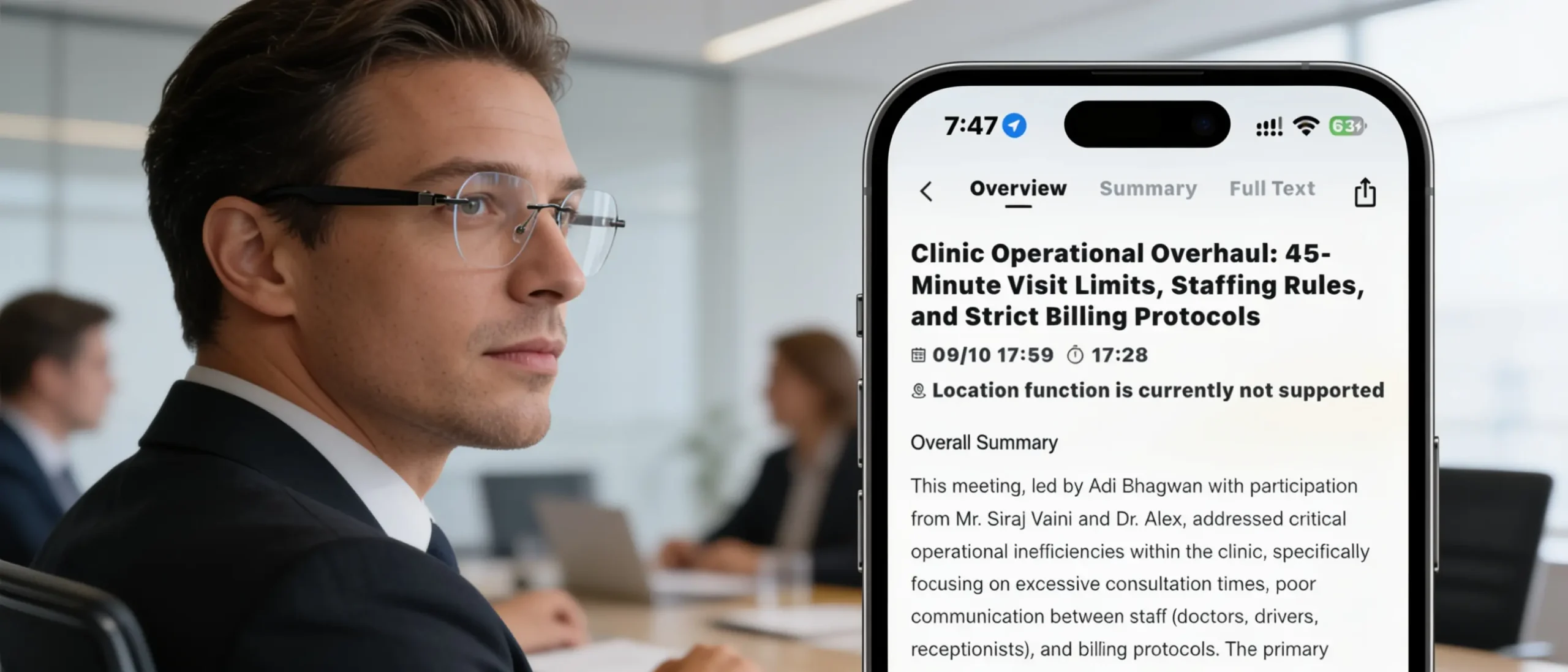
LAWK City Air helps you capture conversations while keeping your attention on the people speaking. Record your meeting, then access the transcript, summary and action items in the app.
No camera. Audio recording only. Always ask participants before recording.
How It Works: Pair Once, Double-Press to Record
1. Pair Once
Pair your glasses with your phone and supported app during the initial setup. You do not need to repeat the pairing process before every meeting.
After that, turn on the glasses with your phone’s Bluetooth enabled. They reconnect automatically. Open the app briefly to check the connection before starting.
2. Double-Press to Start
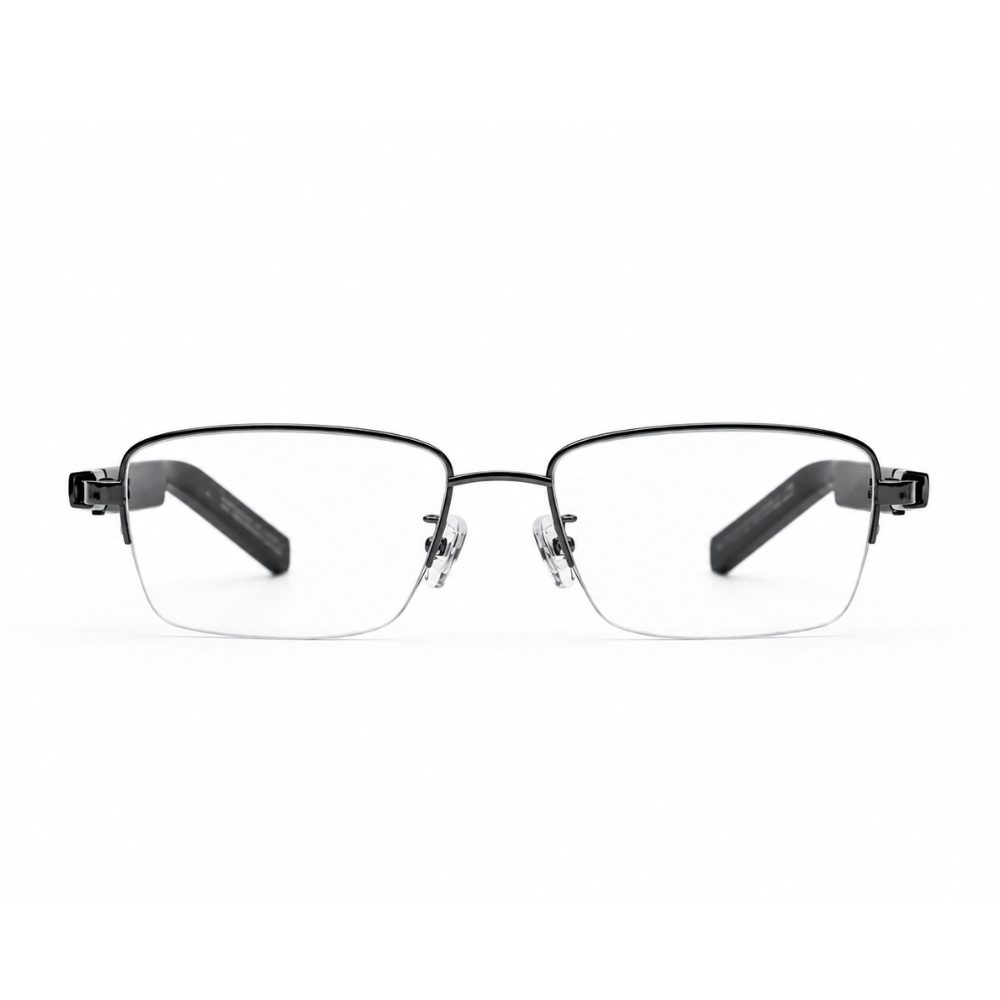
When your meeting begins, double-press the temple button. The glasses announce that recording has started.
You can now focus on the conversation without repeatedly reaching for your phone.
3. Double-Press to Stop
When the meeting ends, double-press the button again. A voice confirmation tells you that recording has stopped.
4. Open Your Meeting Notes
The app processes the recording into a transcript, meeting summary and action items. In our tests, the notes appeared within approximately two to three minutes after recording ended.
The glasses capture the conversation, while the connected phone and app turn it into useful notes.
Where Can You Use LAWK City Air?
Office and Team Meetings
During planning sessions and project updates, it is easy to miss a deadline while writing down another task.
Recording lets you return to the discussion afterwards. Review the summary, confirm decisions and turn agreed next steps into a clear task list.
Real Estate Client Meetings
A Dubai property agent may discuss budgets, preferred locations and viewing arrangements with several clients in one day.
With permission to record, LAWK City Air can help preserve those details for follow-up. Check property names, prices and appointment times before updating your CRM.
Sales and Customer Consultations
When a customer explains their requirements, staying engaged matters.
Capture the conversation and revisit their priorities when preparing a proposal. This helps you follow up on specific needs instead of relying on memory.
Training and Workshops
For sessions where recording is allowed, capture explanations and revisit them later.
Recording quality depends on how clearly the speaker can be heard. A nearby conversation is different from a presenter speaking across a large hall.
Quick Notes Between Meetings
After a client visit, record a short spoken recap: what happened, what needs checking and what to do next.
It is a simple way to capture an idea before moving on to your next appointment.
Longer Meetings and Recording Time
LAWK City Air supports up to 12 hours of continuous recording, depending on operating conditions.
The Lawaken team tested 30-minute, two-hour and three-hour meetings with the updated setup. Recording and connectivity worked smoothly throughout these sessions, without issues in those tests.
After stopping the recordings, the transcript and meeting notes appeared in the app within approximately two to three minutes.
For longer meetings, start with sufficient battery and check the app connection. Once recording begins, you can stay focused on the discussion.
Why the Glasses Format Helps
The main benefit is convenience. Once recording starts, your hands stay available and you can focus on the discussion.
For someone who already wears glasses, LAWK City Air may fit naturally into their working routine. If you do not normally wear glasses, consider whether you would feel comfortable wearing them regularly.
The simple controls also make it easy to capture a quick idea between appointments: double-press, speak your note and double-press again to finish.
What Should You Keep in Mind?
- Keep your phone’s Bluetooth enabled and check the app connection.
- Background noise and overlapping voices can affect recording quality.
- Check important names, figures and commitments before sharing notes.
- For online meetings through headphones, check that the other participants can be heard in the recording.
Frequently Asked Questions
Do I need to pair the glasses before every meeting?
No. Pair them during the initial setup. Afterwards, turn on the glasses with your phone’s Bluetooth enabled, and they reconnect automatically. Open the app briefly to confirm the connection.
How do I start and stop recording?
Double-press the temple button to start. A voice announcement confirms recording has begun. Double-press again when you finish, and another announcement confirms it has stopped.
Can I record a two- or three-hour meeting?
Yes. The Lawaken team tested two- and three-hour meetings with the updated setup, and recording worked smoothly throughout those sessions. The device supports up to 12 hours of continuous recording, depending on operating conditions.
How quickly will my meeting notes appear?
In our tests, the transcript and meeting notes appeared in the app within approximately two to three minutes after recording ended.
Does LAWK City Air have a camera?
No. It records audio for the meeting-notes workflow. Always ask participants before recording.
Is LAWK City Air Right for You?
LAWK City Air is worth considering if you attend frequent meetings and want a convenient way to capture conversations while staying involved.
The workflow is straightforward: pair once, check the connection, double-press to record and access your notes in the app afterwards.
Explore LAWK City Air, read our Dubai buying guide, or learn how to turn meeting notes into action items.